
What to Include in a Body Weight Log
Choose the weight, optional body fat, waist, or notes that make a log useful while keeping entries consistent.
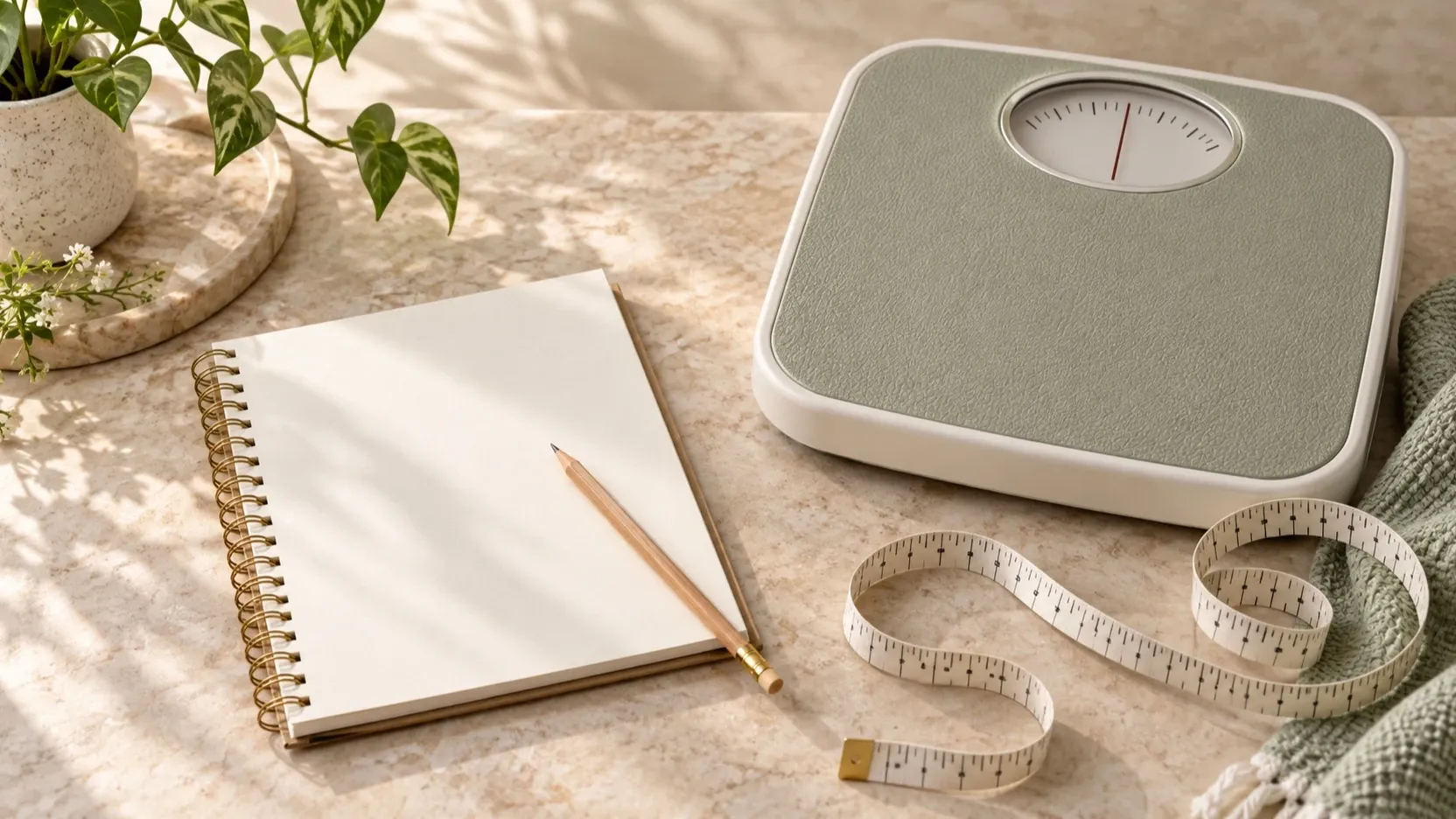
A body weight log does not need many fields to be useful. Start with the information that makes each entry clear: the date and the weight you entered. Add optional details only when they help you understand or organize your own records.
Start with the date and weight
Record a date alongside every weight entry. That way, you can tell when each value belongs, especially if you add an entry for an earlier date later. Keep past entries attached to their actual dates so they are not confused with today’s record.
Use a consistent unit in your own log. If you change the unit or the way you write values, note the change so you can interpret older and newer entries correctly. The purpose is a readable record, not a perfectly filled-in calendar: if you miss a day, leave the gap or add the value later with its date.
Decide whether optional fields help
Extra fields can add context, but they also take effort to maintain. Before adding one, ask: “Will I use this information when I review my log?” If the answer is no, the basic date and weight may be enough.
- Body fat: Include a value if you already have one you want to keep in your personal record. It is a separate, user-entered detail; a log or app does not measure it for you.
- Waist circumference: Add it if you want this measurement alongside your weight history. Keep it as its own entry rather than treating it as another weight value.
- Personal notes: Use a short note for context you may want to remember later, such as recording a past entry or changing your routine. Skip notes that do not help you make sense of the record.
You do not need to fill in every optional field each time. It is fine for some entries to contain only a date and weight. A smaller log you can keep up with may be easier to review than a long list of fields that you rarely use.
Keep the routine manageable
Choose a recording routine that fits your life and that you can repeat. Try to enter values in a consistent way, and keep the process simple. If a value was entered later, use its actual date and add a note only if that distinction would help you remember.
If you want a quick template, start with these columns and remove anything you will not use:
| Date | Weight | Body fat (optional) | Waist circumference (optional) | Personal note (optional) |
|---|---|---|---|---|
Review the record as a whole
When you look back at your entries, use the dates to understand their order and review the history over time. A trend view can make recorded entries easier to scan, while an optional note can provide context you chose to save. A single entry is only one point in your personal record; the log does not explain why a value changed or establish what it means for your health.
A notebook, spreadsheet, or app can hold a simple log. Choose a format that makes your entries easy to maintain and review. Weight Tracker lets you record weight for today or an earlier date, add optional body fat, waist circumference, and personal notes, set a goal, and review trends. These values are entered by you. Weight Tracker is not a medical device and does not substitute for professional medical advice.
If you want a straightforward place to keep these entries and review your trends, explore Weight Tracker.