
Setting Up Interval Cues You Can Follow Mid-Workout
Plan how to follow each transition with the countdown, progress display, sound, vibration, or workout notifications.
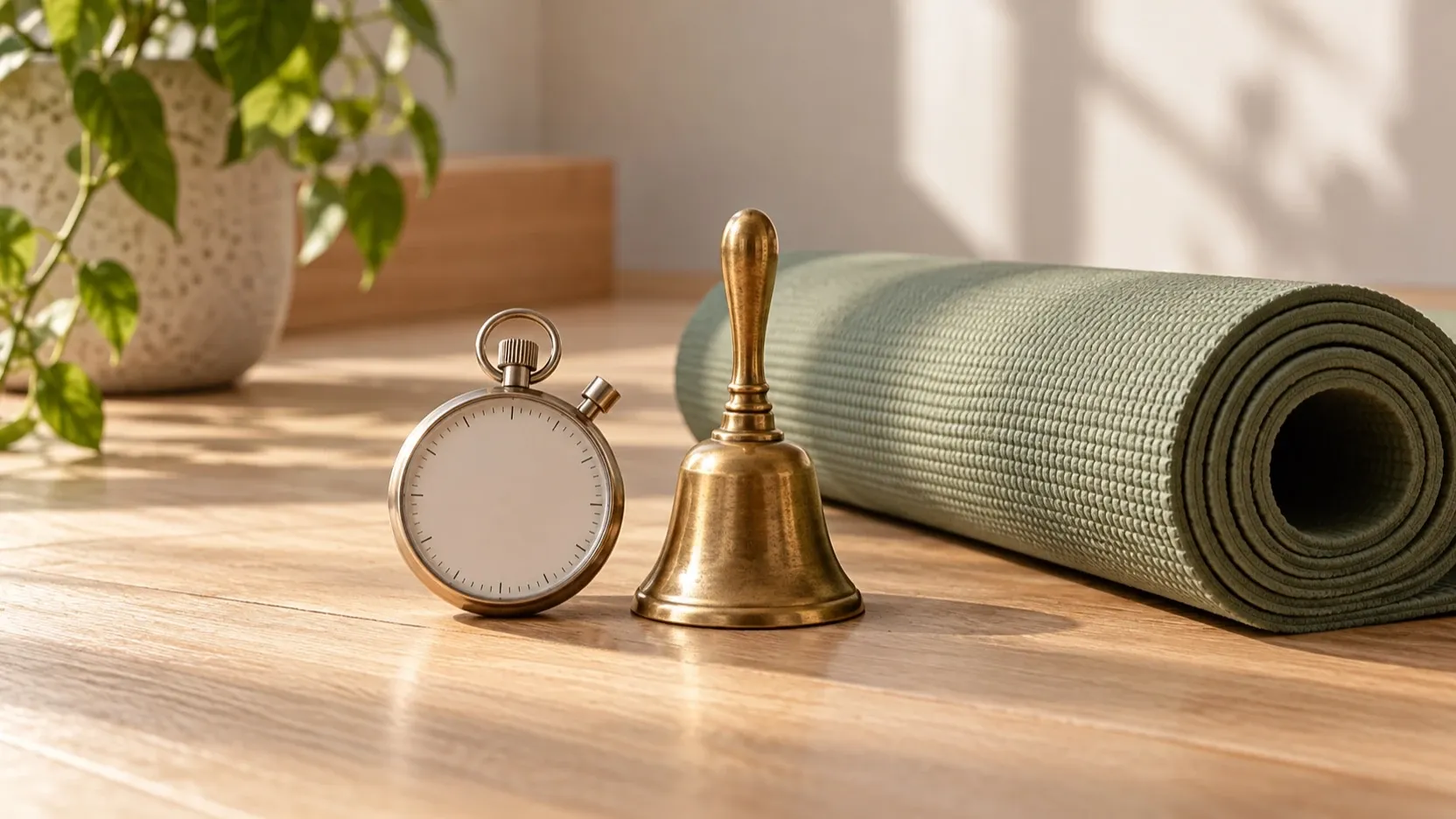
When you already know the workout you plan to follow, the timer’s role is to help you keep your place in that sequence. Before starting, think about where you’ll be, what you can notice there, and which cues you want to use when a phase changes. The goal is to settle those preferences before the workout is underway.
Start with the setting
Consider the conditions around you. Is the phone easy to glance at? Is there background noise? Would a sound stand out, or would vibration be easier to notice? These questions help you decide which cues fit the situation instead of assuming one setup works everywhere.
TempoRounds provides a large countdown and phase progress as visual references. The countdown shows the current timer value, while phase progress gives context about where you are in the planned sequence. Sound, vibration, and workout notifications are additional cues at transitions. Think through which of these you want to pay attention to in your setting; you can use the visual display as context alongside the other cues.
Check each cue in your setup
Cue behavior can depend on the device, app, and system state. In particular, treat notifications as a possible reminder, not as a guaranteed signal. Before relying on any cue, check how it behaves on your own device under the conditions you expect to use.
Use a short setup check:
- Look at the display. Confirm that the large countdown is easy for you to read and that phase progress helps you recognize where you are in the planned sequence.
- Notice the transition cues. If you intend to use sound or vibration, check that you can notice them in your environment. If you intend to use workout notifications, verify what appears in your setup rather than assuming every notification will be delivered or presented the same way.
- Review screen behavior. If you expect to glance at the timer during the workout, consider the setting to keep the screen awake. Check that the display behaves as you expect on your device.
- Confirm your preference. Decide which cue you’ll watch or listen for at a transition, and which visual reference you’ll use to regain context if your attention shifts.
This is not a test of the workout itself. It is a chance to learn what the timer cues look and feel like before you need them. If a cue is hard to notice, reconsider your setup or choose another available cue that suits the surroundings. Avoid relying on a signal you have not checked, especially if your attention will be elsewhere.
Keep the workout plan in charge. The timer cues can help you follow its sequence, but they do not determine what each interval should contain. Once your preferred cues are familiar, begin with the plan you already prepared and use the countdown and phase progress to orient yourself as needed.
Explore TempoRounds to see its interval timer features.